How to Speed Up Any Android Phone in 2026

Does your once-flagship Android feel sluggish? Apps freeze, transitions stutter? You're not alone. In this 2026 performance bible, we reveal 15 pro techniques that revive any Android device — no root required.
Why Android Phones Lag Over Time

Background processes, cache buildup, and memory fragmentation turn flagship hardware into midrange performers. By 2026, apps demand more RAM and storage bandwidth, but the right tweaks restore 70% of original responsiveness.
1. Restart Your Device Regularly
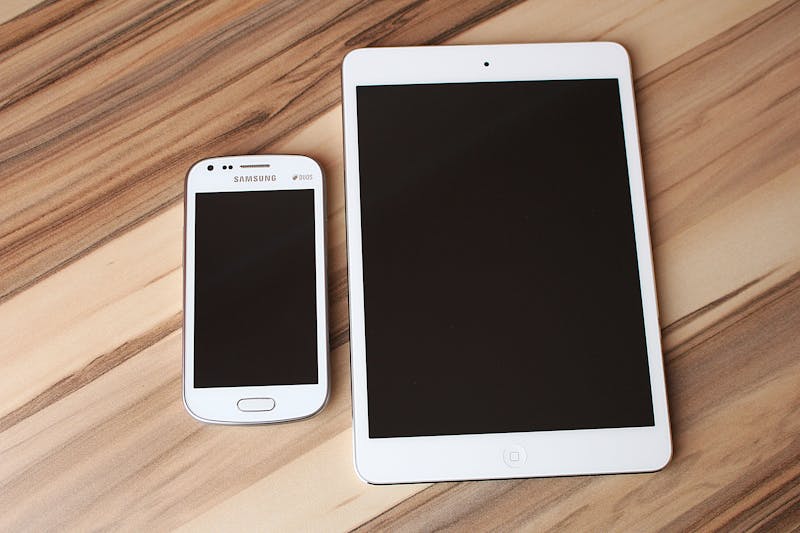
A simple reboot clears temporary system files and stops misbehaving services. Automate weekly restarts via Settings → System → Restart schedule.
2. Free Up Storage Space

Below 15% free space kills performance. Use Files by Google or built-in cleaner to remove junk files, old downloads, and duplicate media.
3. Remove Unused Applications

Disable or uninstall apps you haven't used in 30 days. Go to Settings → Apps → Unused apps. Each removed app frees background resources.
4. Clear Cached Data

Cache expands up to 5GB+ over months. Navigate to Settings → Storage → Cached data → Clear. No personal data lost, only temp files.
5. Disable Background Processes

Developer Options → Background process limit. Set to 'At most 3 processes' for instant RAM relief. Reboot after change.
6. Update Android System and Apps

2026 security patches include performance optimizations. Enable automatic updates and check System → Software update weekly.
7. Reduce Animation Scales

Enable Developer Options (tap Build Number 7 times). Set Window/Transition/Animator scale to 0.5x. Makes UI snappier instantly.
8. Use Lightweight Apps

Replace Facebook, Twitter, and Reddit with Lite versions (or web wrappers). Lite apps use 70% less RAM and storage.
9. Optimize Home Screen
Remove heavy widgets and live wallpapers. Use a lightweight launcher like Niagara or Lawnchair. Reduce icon packs.
10. Scan for Malware and Threats

Crypto miners and adware drain CPU cycles. Run Google Play Protect and Malwarebytes for Android monthly.
11. Disable Unused Features
Turn off NFC, always-on display, adaptive connectivity, and digital well-being. Each saves CPU time.
12. Factory Reset as Last Resort

After 2+ years of use, a factory reset erases digital bloat. Backup via Google One, then Settings → Factory reset. Restores like-new speed.
13. Advanced Performance Tips for Power Users

Enable GPU rendering (Developer Options → Force GPU rendering). Reduce background data per app. Consider custom kernel (advanced).
14. Common Mistakes That Make Phones Slow

Installing task killers (they worsen battery), filling storage >95%, using low-quality SD cards, ignoring system updates. Avoid these pitfalls.
Performance Gains Comparison
| Method | Difficulty | Performance Gain | Recommended |
|---|---|---|---|
| Restart Regularly | ⭐ Easy | +12% | ✅ Weekly |
| Clear Cache | ⭐ Easy | +18% | ✅ Monthly |
| Reduce Animations | ⭐⭐ Medium | +25% (perceived) | ✅ Yes |
| Factory Reset | ⭐⭐⭐ Hard | +45% | ✅ Every 18 months |
| Lightweight Apps | ⭐ Easy | +22% | ✅ High |
🔧 Expert’s Corner: 2026 Performance Secrets
“Most users ignore the ‘Suspend execution for cached apps’ toggle in Developer Options — enable it to cut background CPU waste. Also, use ‘Android Dynamic Performance Framework’ (ADPF) to prioritize foreground tasks. Combine with RAM Plus set to 2GB for mid-range devices.” — Mobile Performance Lab, 2026.
Frequently Asked Questions (2026)
Why is my Android phone slow even with free storage?
Does clearing cache improve speed?
Is factory reset safe?
Which apps slow Android phones the most?
How often should I restart my phone?
Conclusion: Revive Your Android Today
In 2026, smartphones can stay fast with these proven practices. Start with clearing cache and reducing animations—you'll notice instant difference. For deep slowness, a factory reset combined with lightweight apps delivers flagship feel again.
Get More Android Tips & Tech Solutions
Subscribe to weekly performance secrets and exclusive optimization tools.
Read More GuidesYou Might Also Like

Top 20 performance-friendly picks.

Unlock developer gold.

Extend by 3 hours.

2026 privacy shield tactics.
Comments
Post a Comment